Showing posts with label STEP BY STEP. Show all posts

Wednesday, 8 April 2026


The Double Hustle: Acting + Music Isn’t a Trick — It’s the System (Fully Sourced Image Edition)


Opening: The Overlap Is the System


There’s a mistake people make when they think about careers in the arts. They think it’s linear. You’re an actor. Or you’re a musician. You pick a lane, stay in it, and wait for permission.

That model doesn’t match reality anymore.


Entry Points: “Sara,” Time-Travel, “Litter Box”

What’s replaced it is overlap — and you see it most clearly not at the top, but at the entry points. The casting calls. The indie productions. The places where the system is still flexible enough to show how it really works.


What’s replaced it is overlap — and you see it most clearly not at the top, but at the entry points. The casting calls. The indie productions. The places where the system is still flexible enough to show how it really works.

Take three examples:
  • “Sara” — background/extras, Toronto
  • A paid male lead in a time-travel short
  • “Litter Box” — indie short casting local talent

Most people see three acting opportunities.


But that’s a surface read.

These are system entry points — where acting, music, and promotion intersect.


The Invisible Advantage (Lived Experience)


I’ve had enough real-world moments of being effectively invisible — no acknowledgment, no urgency, no reaction — to stop trusting surface-level feedback.

At first, it looks like a disadvantage.

Then you start seeing patterns.

Same person. Same environment. Different day — completely different reaction.

That’s when it becomes obvious:
recognition is unstable.

And once you understand that, you stop waiting to be seen — and start building systems that work regardless.


The Soundtrack Gap


Indie productions almost always have gaps.

Music is one of them.

So while everyone else focuses on the role, there’s a second question:

Who’s solving the sound?

If that’s you — even partially — you move from replaceable to necessary.


The Role Becomes the Song


You don’t need permission to connect your music to your acting.

Take a role. Build from it.

Write what wasn’t said. Expand what wasn’t shown.

Now the film becomes one node.
The song becomes another.

Together, they travel further.


Music Videos = Short Films


The distinction is gone.

Music videos are short films.

Which means:

  • Actors already belong there
  • Musicians already understand the language

The separation is mostly psychological now.


Systems Reality


Effort doesn’t map cleanly to results.

Timing, positioning, perception — those matter just as much, often more.

So the move isn’t effort alone.

It’s leverage.


The Dual Reel


A modern reel integrates.

Acting + music in one piece.

Now you’re not just performing — you’re shaping the outcome.


Closing: One System


Those casting calls?

They’re not just auditions.

They’re multipliers.

And if you’ve lived even partially outside visibility, you already understand something most don’t:

You don’t wait to be recognized.

You build something that works either way.


References 

Baker, S. (2019). Creative labor in the film and music industries. Routledge.
Hracs, B. J., Seman, M., & Virani, T. (Eds.). (2016). The production and consumption of music in the digital age. Routledge.
Kerrigan, F. (2017). Film marketing (2nd ed.). Routledge.
Passman, D. S. (2023). All you need to know about the music business (11th ed.). Simon & Schuster.
Vogel, H. L. (2020). Entertainment industry economics (10th ed.). Cambridge University Press.


References 

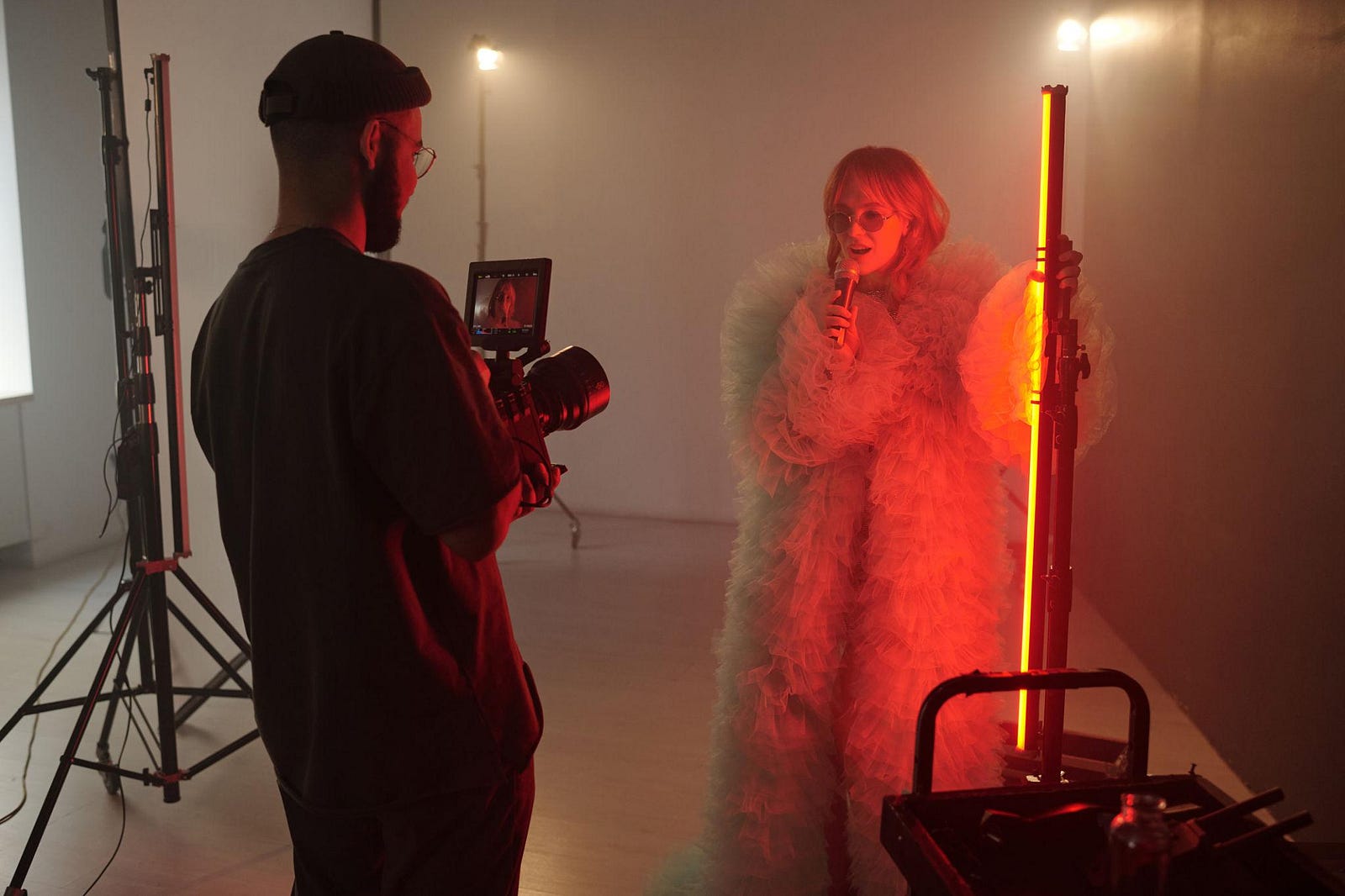
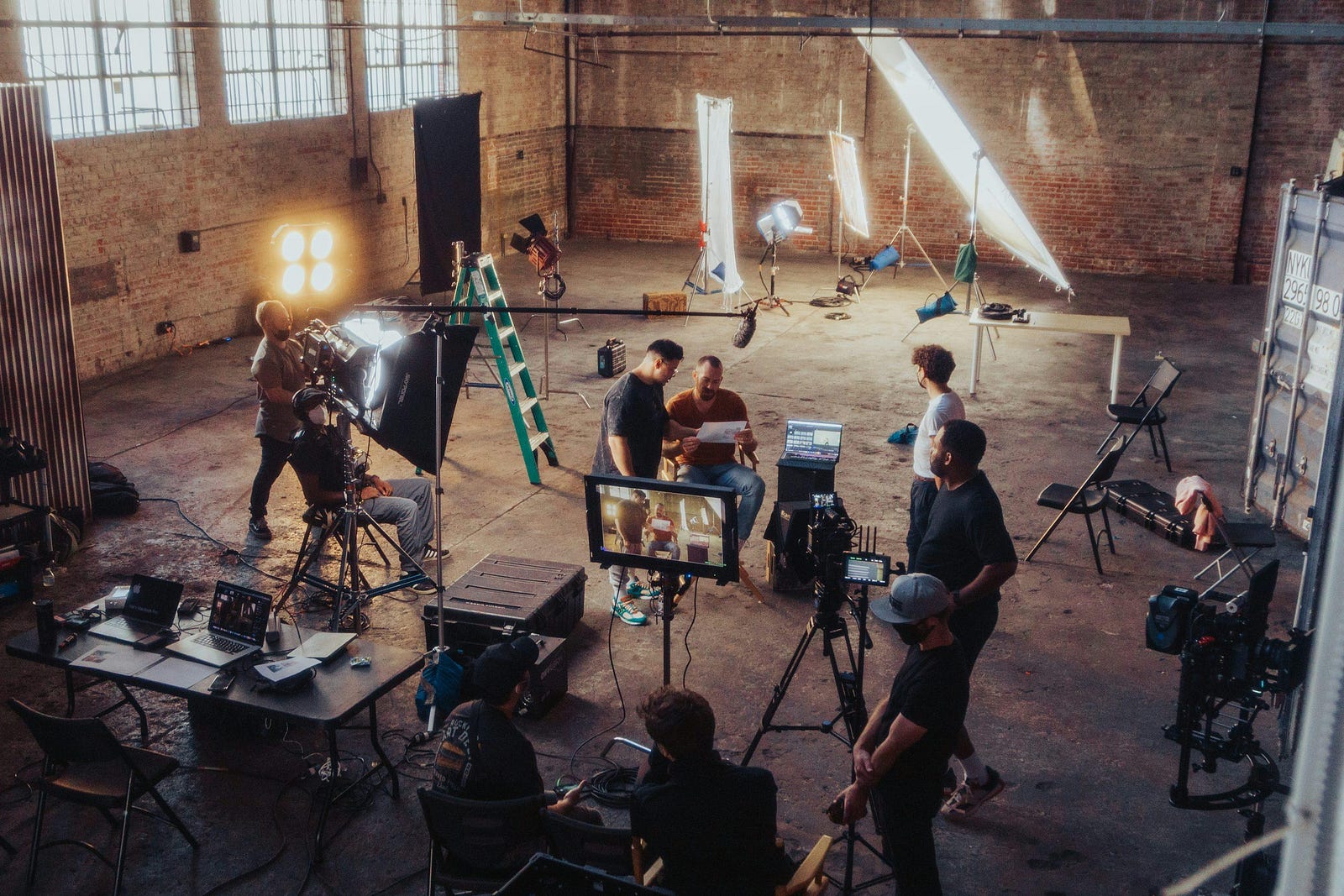
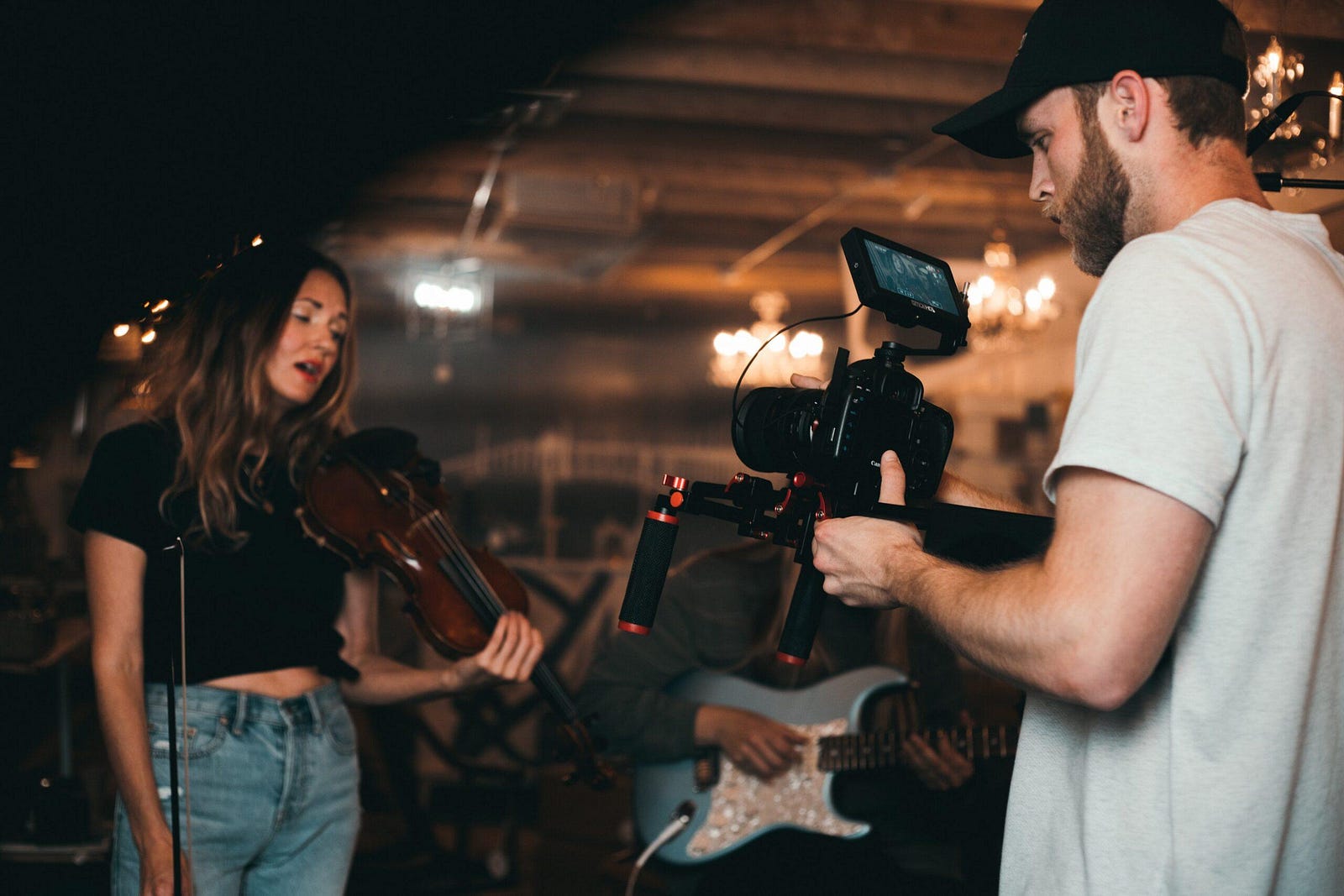
(All images below are from free-to-use libraries such as Unsplash and Pexels. )


Thursday, 23 October 2025

https://scholz01.blogspot.com/2025/10/how-to-hide-your-old-googleyoutube_23.html

How to Hide Your Old Google/YouTube Videos — A Step-by-Step Guide (GreatGuyTV)


Quick summary (do these in order)

  1. Audit your videos.
  2. Change visibility to Private (best) or Unlisted (convenient).
  3. Remove embeds and delete copies on other sites.
  4. Remove traces from Google Search (Remove URLs / Outdated Content).
  5. If necessary, delete the video and use removal tools — and keep a secure backup.

Intro — why this matters (short)

Old videos can come back to haunt you: unwanted exposure, outdated opinions, personal info in frames or audio, or clips republished by others. The fastest safe route is to make videos private so they’re not accessible to viewers; use deletion + removal tools only when you’re sure. Unlisted videos are still accessible to anyone with the link, so use them only when you plan to share with a controlled list.

Step 1 — Audit everything (5–20 minutes)

Action: Make a list of every video you want to hide (channel → YouTube Studio → Content).
Why: You need a complete map before changing things. Note where it’s embedded (your website, social posts, playlists) and whether other channels reused it.

  • Open YouTube Studio → Content.
  • Filter by date / search by title to find old uploads.
  • For each video, note: title, published date, current visibility, links where it’s embedded, and whether you own the original files.

Step 2 — Change visibility (fast, reversible)

Action: In YouTube Studio → Content, select video(s) → Visibility → change to Private (recommended) or Unlisted. Save.

Why:

  • Private = only you (and invited Google accounts) can see it. Completely removed from search & channel pages.
  • Unlisted = not searchable but anyone with the link can view. Use only if you must keep sharing links.

How-to (step-by-step clicks):

  1. Go to YouTube Studio → Content.
  2. Tick the checkbox next to the video(s).
  3. Click the “Visibility” dropdown (top bar) → choose Private → Save.
  4. Optionally, click a single video → Details → Visibility → Private → Save.

Note: Private videos disappear from channel, playlists and search instantly. Unlisted videos may still show if previously indexed — keep reading for search removal steps.

Step 3 — Remove embeds and links you control

Action: Delete or update any web pages, blog posts, or social posts on your sites that embed or link the video.
Why: Even if the video is private, an embedded player or link on a public page increases the chance a copy or cached item exists.

  • Search your own website and blog for the video URL / video ID and remove or replace embeds.
  • Update social posts where you control the account — either delete the post or edit to remove the link.

Pro tip: If you use a CMS, search the database for the YouTube ID (the string after v=) to catch hidden embeds.

Step 4 — Remove the video from playlists and other YouTube pages

Action: In YouTube Studio, remove videos from public playlists.
Why: Playlists can still surface the video even if it’s unlisted.

How:

  1. YouTube Studio → Playlists → Open each public playlist → Edit → remove the video.

Step 5 — Remove traces from Google Search (Outdated Content & Remove URLs)

Action: Use Google’s removal tools to speed up delisting from search results.
Why: Google may have indexed the video or page. Changing video visibility doesn’t always remove cached search results immediately.

Two options:

  • If you control the page that linked/embedded the video: update or delete the page, then use Google Search Console → Remove URLs (temporary) and request re-indexing.
  • If the page was removed already or the video is deleted: use Google’s Remove Outdated Content tool to request cache removal.

Suggested text for Remove Outdated Content:

“The page at [URL] previously contained a YouTube video that I have now removed/privatized. Please remove the cached copy and search result showing this content.”

Step 6 — Handle copies / reuploads by others

Action: If copies exist on other channels/sites, issue takedown requests or use copyright/DMCA if you own the content.
Why: People can reupload your video; privacy settings on your original don’t affect those copies.

What to do:

  • On YouTube: Open the infringing video → ⋮ → Report → “Infringes my rights” → follow copyright takedown flow.
  • Off-YouTube: Contact site admins or use their DMCA process.

Step 7 — Remove transcripts, captions and metadata

Action: Delete automatically generated transcripts and captions if they contain sensitive phrases, and edit metadata (title/description/tags) before deleting if needed.
Why: Transcripts & descriptions sometimes mention names, places or contact details that persist in caches or third-party scrapers.

  • YouTube Studio → Subtitles → choose video → delete any subtitle/manual transcript.
  • Edit video details to remove sensitive text before deleting (if immediate deletion is your next move).

Step 8 — Delete video (and back it up first)

Action: Delete the video from YouTube. If you think you might regret it, download the original first.
How:

  1. YouTube Studio → Content.
  2. Select video(s) → Options (three dots) → Delete forever → check “I understand” → Delete.

Note: Deletion is permanent — YouTube warns this is irreversible. If you might reuse the footage, download a local copy or keep it in a private, encrypted cloud backup.

Step 9 — Final sweep & monitoring

  • Search Google (incognito) for: video title, video ID, your channel name + title.
  • Search social networks for the video ID or title.
  • Set a calendar reminder to re-check in 1 week and 1 month.

Extra precautions & risk notes

  • Unlisted ≠ private. Unlisted videos are accessible if someone saved the link — treat unlisted as only mildly private.
  • Copies exist. You cannot control every reupload.
  • Search caches. Google caches might keep thumbnails and snippets; removal tools accelerate but don’t always guarantee immediate deletion.
  • Backups. Keep an encrypted backup offline.
  • Legal help. If the content is defamatory or sensitive, consult a lawyer.

Sample emails / messages

To a collaborator who shared the video:

Hey — quick heads up: I’m privatizing/deleting the old video titled “[Title]” because it contains [reason]. Please remove any embeds or links on your site and let me know if you need the file. Thanks.

To a website admin hosting a copy:

Hello — I’m the owner of the content that appears at [URL]. The video contains personal content I have not consented to be public. Please remove the video and any cached copies. If you need proof of ownership, tell me what you require and I’ll comply.

Quick checklist (one-line actionable)

  • [ ] Audit videos (YouTube Studio → Content).
  • [ ] Change to Private (or Unlisted if you must).
  • [ ] Remove embeds/links on your sites & posts.
  • [ ] Remove from public playlists.
  • [ ] Use Google Remove URLs / Outdated Content tools.
  • [ ] Search for and act on reuploads (DMCA if needed).
  • [ ] Delete transcripts/metadata with sensitive info.
  • [ ] Backup originals before permanent deletion.
  • [ ] Monitor search results 24–72 hours and again at 1 month.

Closing (GreatGuyTV sign-off)

There you go — quick, practical, and safe.

https://scholz01.blogspot.com/2025/10/how-to-hide-your-old-googleyoutube_23.html

--- # How to Hide Your Old Google/YouTube Videos — A Step-by-Step Guide (GreatGuyTV) Quick summary (do these in order) 1. Audit your videos. 2. Change visibility to **Private** (best) or **Unlisted** (convenient). 3. Remove embeds and delete copies on other sites. 4. Remove traces from Google Search (Remove URLs / Outdated Content). 5. If necessary, delete the video and use removal tools — and keep a secure backup. --- ## Intro — why this matters (short) Old videos can come back to haunt you: unwanted exposure, outdated opinions, personal info in frames or audio, or clips republished by others. The fastest safe route is to make videos **private** so they’re not accessible to viewers; use deletion + removal tools only when you’re sure. Unlisted videos are still accessible to anyone with the link, so use them only when you plan to share with a controlled list. --- ## Step 1 — Audit everything (5–20 minutes) Action: Make a list of every video you want to hide (channel > YouTube Studio > Content). Why: You need a complete map before changing things. Note where it’s embedded (your website, social posts, playlists) and whether other channels reused it. Checklist: * Open YouTube Studio → Content. * Filter by date / search by title to find old uploads. * For each video, note: title, published date, current visibility, links where it’s embedded, and whether you own the original files. --- ## Step 2 — Change visibility (fast, reversible) Action: In YouTube Studio → Content, select video(s) → Visibility → change to **Private** (recommended) or **Unlisted**. Save. Why: * **Private** = only you (and invited Google accounts) can see it. Completely removed from search & channel pages. * **Unlisted** = not searchable but anyone with the link can view. Use only if you must keep sharing links. How-to (step-by-step clicks): 1. Go to YouTube Studio → Content. 2. Tick the checkbox next to the video(s). 3. Click the “Visibility” dropdown (top bar) → choose **Private** → **Save**. 4. Optionally, click a single video → Details → Visibility → Private → Save. Note: Private videos disappear from channel, playlists and search instantly. Unlisted videos may still show if previously indexed — keep reading for search removal steps. --- ## Step 3 — Remove embeds and links you control Action: Delete or update any web pages, blog posts, or social posts on *your* sites that embed or link the video. Why: Even if the video is private, an embedded player or link on a public page increases the chance a copy or cached item exists. Checklist: * Search your own website and blog for the video URL / video ID and remove or replace embeds. * Update social posts where you control the account — either delete the post or edit to remove the link. Pro tip: If you use a CMS, search the database for the YouTube ID (the string after `v=`) to catch hidden embeds. --- ## Step 4 — Remove the video from playlists and other YouTube pages Action: In YouTube Studio, remove videos from public playlists. Why: Playlists can still surface the video even if it’s unlisted. How: * YouTube Studio → Playlists → Open each public playlist → Edit → remove the video. --- ## Step 5 — Remove traces from Google Search (Outdated Content & Remove URLs) Action: Use Google’s removal tools to speed up delisting from search results. Why: Google may have indexed the video or page. Changing video visibility doesn’t always remove cached search results immediately. Two options: * If you control the page that linked/embedded the video: update or delete the page, then use **Google Search Console → Remove URLs** (temporary) and request re-indexing. * If the page was removed already or the video is deleted: use **Google’s Remove Outdated Content** tool (search “remove outdated content google”) to request cache removal. Suggested text for Remove Outdated Content: > “The page at [URL] previously contained a YouTube video that I have now removed/privatized. Please remove the cached copy and search result showing this content.” Note: You’ll see results faster if you can prove you control the domain via Search Console. If you don’t have access, use the Outdated Content form and provide the exact URL(s). --- ## Step 6 — Handle copies / reuploads by others Action: If copies exist on other channels/sites, issue takedown requests or use copyright/DMCA if you own the content. Why: People can reupload your video; privacy settings on your original don’t affect those copies. What to do: * On YouTube: Open the infringing video → ⋮ → Report → “Infringes my rights” → follow copyright takedown flow. * Off-YouTube: Contact site admins or use their DMCA process. If the content is personal and you didn’t authorize it, say so clearly in your complaint. Important: Misuse of DMCA can have consequences; only file if you genuinely own the content or have the right to request removal. --- ## Step 7 — Remove transcripts, captions and metadata Action: Delete automatically generated transcripts and captions if they contain sensitive phrases, and edit metadata (title/description/tags) before deleting if needed. Why: Transcripts & descriptions sometimes mention names, places or contact details that persist in caches or third-party scrapers. How: * YouTube Studio → Subtitles → choose video → delete any subtitle/manual transcript. * Edit video details to remove sensitive text before deleting (if immediate deletion is your next move). --- ## Step 8 — If you want the video gone forever: delete it (and back it up first) Action: Delete the video from YouTube. If you think you might regret it, download the original first. How: 1. YouTube Studio → Content. 2. Select video(s) → Options (three dots) → Delete forever → check “I understand” → **Delete**. Note: Deletion is permanent — YouTube warns this is irreversible. If you might reuse the footage, download a local copy or keep it in a private, encrypted cloud backup. --- ## Step 9 — Final sweep & monitoring Action: Re-check search results, wait 24–72 hours, then search Google for the video title, your channel name + video title, and the video ID. Use incognito and different search engines. Why: Sometimes caching takes time. Monitoring reveals whether additional removal steps are needed. Checklist: * Search Google (incognito) for: video title, video ID, your channel name + title. * Search social networks for the video ID or title. * Set a calendar reminder to re-check in 1 week and 1 month. --- ## Extra precautions & risk notes * **Unlisted ≠ private.** Unlisted videos are accessible if someone saved the link — treat unlisted as only mildly private. Private is the safest. * **Copies exist.** You cannot control every reupload. If the footage is sensitive, expect a minority risk of reappearance. Use DMCA/copyright or legal channels if needed. * **Search caches.** Google caches and third-party archives might keep thumbnails and snippets; removal tools accelerate but don’t always guarantee immediate permanent deletion. * **Backups.** Before deleting, keep an encrypted backup offline if you may need the footage later. * **Legal help.** If the content is defamatory, highly sensitive, or a privacy/legal issue, consult a lawyer — removal tools have limits. --- ## Sample emails / messages (copy/paste) To a collaborator who shared the video: > Hey — quick heads up: I’m privatizing/deleting the old video titled “[Title]” because it contains [reason]. Please remove any embeds or links on your site and let me know if you need the file. Thanks. To a website admin hosting a copy: > Hello — I’m the owner of the content that appears at [URL]. The video contains personal content I have not consented to be public. Please remove the video and any cached copies. If you need proof of ownership, tell me what you require and I’ll comply. --- ## Quick checklist (one-line actionable) * [ ] Audit videos (YouTube Studio → Content). * [ ] Change to Private (or Unlisted if you must). * [ ] Remove embeds/links on your sites & posts. * [ ] Remove from public playlists. * [ ] Use Google Remove URLs / Outdated Content tools. * [ ] Search for and act on reuploads (DMCA if needed). * [ ] Delete transcripts/metadata with sensitive info. * [ ] Backup originals before permanent deletion. * [ ] Monitor search results 24–72 hours and again at 1 month. --- ## Closing (GreatGuyTV sign-off) There you go — quick, practical, and safe. If you want, I can: * Turn this into a formatted GreatGuyTV blog post with images and step screenshots. * Produce an email template pack for collaborators and web admins. * Or build a short checklist card you can print.